Planning Your Website
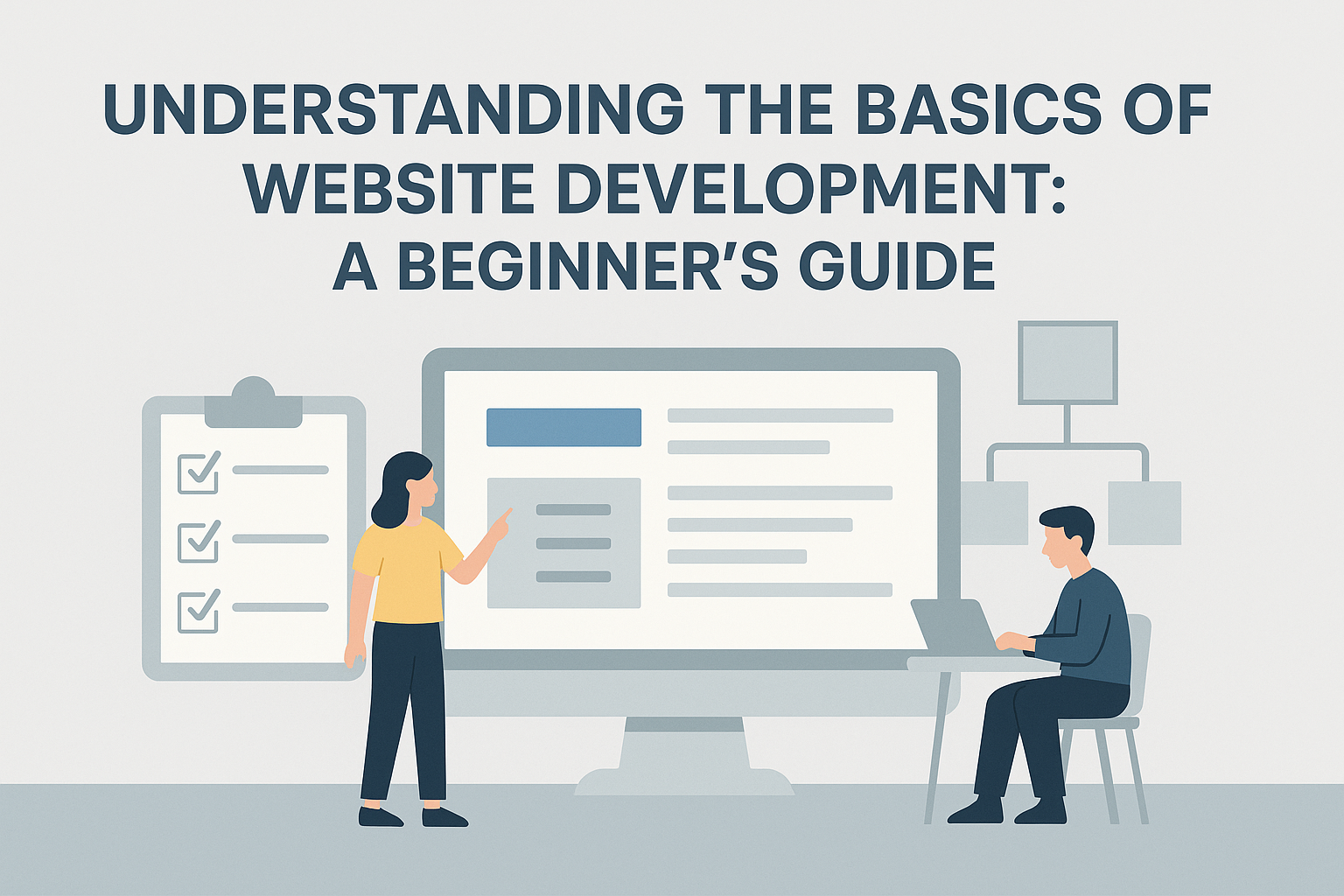
Website development is a critical skill in today’s digital world. Whether you are looking to start a career in web development or simply want to understand how websites work, grasping the basics is essential. This guide will cover the foundational elements of website development, from planning and design to coding and deployment.
Define Your Purpose and Goals
Purpose: Determine what you want your website to achieve. Is it a personal blog, an e-commerce site, a portfolio, or a business website?
Goals: Set clear, measurable goals for your website. This could include attracting a certain number of visitors, generating leads, or selling products.
Research and Analysis
Audience: Identify your target audience and their needs. Understanding who will visit your site helps shape its design and functionality.
Competitor Analysis: Study competitors’ websites to learn what works and what doesn’t. This can provide valuable insights and inspiration.
Create a Sitemap
Structure: Outline the structure of your website, listing all the main pages and subpages. This helps visualize the site’s organization and navigation.
Flow: Plan how users will move through your site, ensuring an intuitive and logical flow.
Designing Your Website | Wireframes and Mockups
Wireframes: Create basic sketches of your website’s layout. Focus on the placement of elements like navigation menus, content areas, and images.
Mockups: Develop detailed visual representations of your site. Tools like Adobe XD, Sketch, or Figma can help create high-fidelity designs.
User Experience (UX) and User Interface (UI)
UX Design: Focus on the overall feel of the website and how users interact with it. Good UX design makes navigation easy and intuitive.
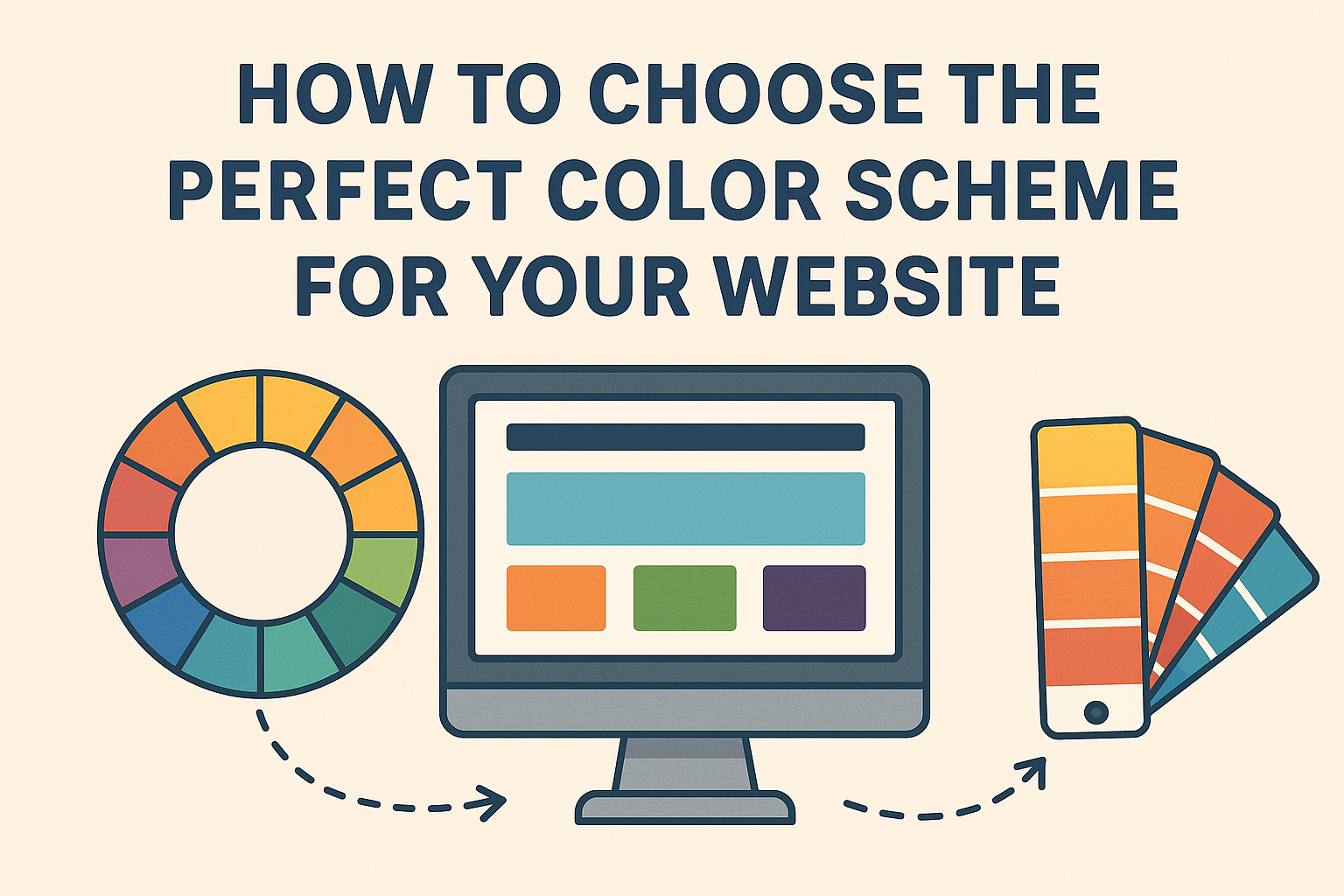
UI Design: Concentrate on the look and layout of the site. This includes color schemes, typography, and visual elements that create an appealing interface.
Responsive Design
Mobile-Friendly: Ensure your website looks and functions well on all devices, including smartphones and tablets. Use responsive design techniques to adapt to different screen sizes.
Understanding the Technology Stack
Front-End Development
HTML: The backbone of any website, HTML (Hypertext Markup Language) structures the content on your web pages.
CSS: CSS (Cascading Style Sheets) controls the presentation and layout of your website. It’s used to style your HTML elements.
JavaScript: JavaScript adds interactivity to your website. It allows for dynamic content, animations, and improved user experience.
Back-End Development
Server-Side Languages: Common languages include PHP, Python, Ruby, and Node.js. These handle server-side logic and database interactions.
Databases: Databases like MySQL, PostgreSQL, and MongoDB store and manage your website’s data.
Server Configuration: Understanding how to set up and manage a web server (e.g., Apache, Nginx) is crucial for hosting your site.
Full-Stack Development
Integration: Full-stack developers handle both front-end and back-end development, ensuring seamless integration between the two
Tools and Frameworks: Familiarize yourself with popular frameworks like React, Angular, Vue.js for front-end, and Express, Django, Ruby on Rails for back-end.
Coding Your Website
Text Editors and IDEs: Tools like Visual Studio Code, Sublime Text, and Atom provide an environment for writing and managing your code.
Version Control: Use version control systems like Git to track changes and collaborate with others.
Writing HTML and CSS
HTML Elements: Learn the basic HTML tags and their attributes. This includes headings, paragraphs, links, images, and forms.
CSS Styling: Understand how to apply styles using classes and IDs. Learn about CSS properties like margin, padding, border, and positioning.
Adding Interactivity with JavaScript
Basic Syntax: Familiarize yourself with JavaScript syntax and basic programming concepts like variables, functions, and loops.
DOM Manipulation: Learn how to manipulate the Document Object Model (DOM) to change the content and style of your web pages dynamically.
Event Handling: Understand how to handle user interactions, such as clicks and form submissions, using JavaScript events.
Building Your Website
CSS Frameworks: Frameworks like Bootstrap and Tailwind CSS speed up the development process by providing pre-designed components and responsive grid systems.
JavaScript Libraries: Libraries like jQuery simplify common tasks like DOM manipulation and event handling.
Developing a Back-End
Server Setup: Set up a local server environment using tools like XAMPP or MAMP to develop and test your website locally.
Database Integration: Learn how to connect your website to a database and perform CRUD (Create, Read, Update, Delete) operations.
APIs: Understand how to use APIs (Application Programming Interfaces) to interact with third-party services and data sources.
Ensuring Security
Data Validation: Validate user input to prevent SQL injection, cross-site scripting (XSS), and other common security vulnerabilities.
Authentication and Authorization: Implement user authentication and role-based access control to protect sensitive data and functionality.
Testing and Debugging
Compatibility: Ensure your website works consistently across different browsers (e.g., Chrome, Firefox, Safari, Edge) and versions.
Tools: Use tools like BrowserStack or Sauce Labs for automated cross-browser testing.
Performance Optimization
Load Times: Optimize images, minify CSS and JavaScript files, and leverage browser caching to reduce load times.
Responsive Performance: Ensure your website performs well on mobile devices, considering network speeds and device capabilities.
Debugging Tools
Browser DevTools: Use built-in browser developer tools to inspect HTML, CSS, and JavaScript, and identify issues.
Linting: Use linters like ESLint for JavaScript and stylelint for CSS to catch errors and enforce coding standards.
Deploying Your Website
Choosing a Hosting Provider
Types of Hosting: Understand the different types of hosting (shared, VPS, dedicated, cloud) and choose the one that best suits your needs.
Providers: Popular hosting providers include Bluehost, SiteGround, and AWS.
Domain Name Registration
Domain Selection: Choose a domain name that reflects your brand and is easy to remember.
Registration: Register your domain through registrars like GoDaddy or Namecheap.
Uploading Your Website
FTP/SFTP: Use File Transfer Protocol (FTP) or Secure File Transfer Protocol (SFTP) to upload your website files to the server.
Deployment Tools: Use deployment tools like GitHub Pages, Netlify, or Heroku for more automated and streamlined deployment processes.
Maintaining Your Website
Regular Updates
Content: Keep your website content fresh and up-to-date to maintain relevance and engage your audience.
Software: Regularly update your CMS, plugins, and other software to ensure security and functionality.
Monitoring and Analytics
Performance Monitoring: Use tools like Google Analytics to monitor traffic, user behavior, and website performance.
Error Tracking: Implement error tracking services like Sentry to detect and address issues promptly.
Backups and Recovery
Regular Backups: Schedule regular backups of your website files and database to prevent data loss.
Disaster Recovery Plan: Have a plan in place to quickly restore your website in case of a failure or security breach.
Conclusion
Understanding the basics of website development is a valuable skill that opens up numerous opportunities, whether for personal projects, freelancing, or starting a career in web development. By following this beginner’s guide, you can build a solid foundation in planning, designing, coding, and maintaining websites. Remember, practice and continuous learning are key to mastering web development, so keep exploring new tools, technologies, and techniques to stay ahead in this ever-evolving field.