In today’s digital landscape, a successful website is not just about having compelling content or advanced functionalities; it’s also about how users interact with and experience the site. This is where User Interface (UI) and User Experience (UX) design come into play. UI/UX design focuses on the aesthetics, usability, and overall feel of a website, ensuring that it meets users’ needs and provides a seamless experience. This article delves into the critical role of UI/UX design in creating a successful website, highlighting key principles, benefits, and best practices.
Understanding UI and UX Design
What is UI Design?
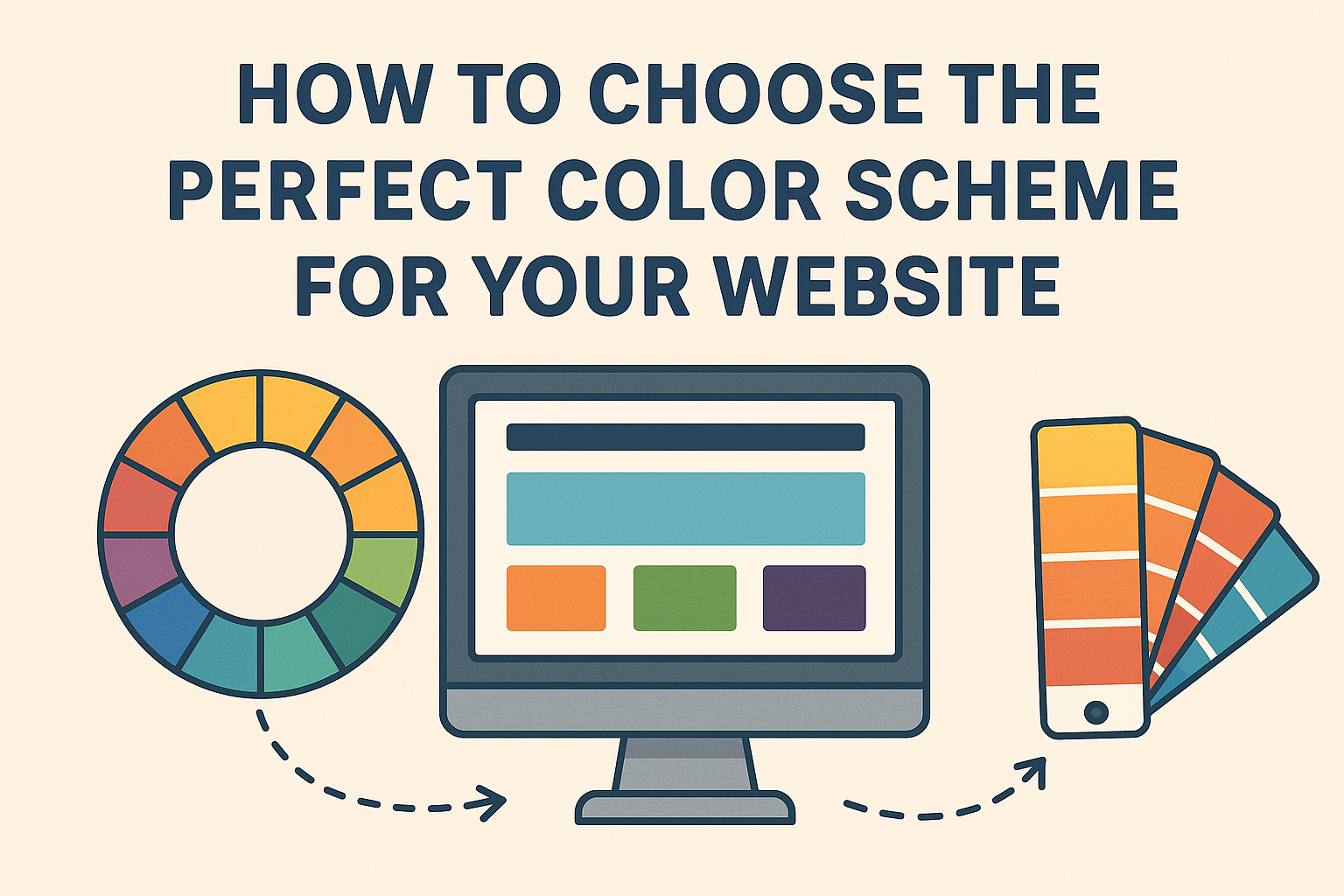
User Interface (UI) design refers to the visual elements of a website—the layout, color schemes, typography, and interactive components like buttons and icons. UI design focuses on ensuring that these elements are visually appealing and consistent with the brand identity, contributing to the overall aesthetic appeal of the site.
What is UX Design?
User Experience (UX) design, on the other hand, is about the overall experience users have when interacting with a website. It encompasses the ease of navigation, accessibility, responsiveness, and satisfaction users derive from their interaction. UX design aims to create a smooth, efficient, and enjoyable journey for users from the moment they land on the site until they leave.
The Importance of UI/UX Design in Website Success
Enhancing User Satisfaction
Intuitive Navigation: A well-designed UI/UX ensures that users can easily find the information they are looking for. Clear menus, logical page hierarchy, and intuitive navigation paths reduce frustration and improve user satisfaction.
Consistent Design Elements: Consistency in design elements like fonts, colors, and button styles across the site enhances the user experience by making the interface predictable and easy to use.
Improving Usability and Accessibility
Responsive Design: Ensuring that a website is responsive—meaning it works well on various devices and screen sizes—is crucial. A responsive design enhances usability by providing a seamless experience whether users are on a desktop, tablet, or smartphone.
Accessibility: UX design also involves making websites accessible to all users, including those with disabilities. Implementing features like keyboard navigation, screen reader compatibility, and appropriate color contrast makes the site more inclusive and user-friendly.
Boosting Conversion Rates
Effective Call-to-Actions (CTAs): Strategically placed and well-designed CTAs can guide users towards desired actions, such as making a purchase, signing up for a newsletter, or filling out a contact form. A compelling UI/UX design makes these CTAs stand out and increases the likelihood of conversions.
Streamlined Checkout Process: For e-commerce websites, a smooth and straightforward checkout process is vital. Simplifying forms, reducing the number of steps, and providing multiple payment options can significantly boost conversion rates.
Building Brand Loyalty and Trust
Professional Appearance: A polished and professional design fosters trust and credibility. Users are more likely to return to and recommend a website that appears reliable and well-maintained.
Emotional Connection: Good UX design can evoke positive emotions and create a connection with users. Personalization, engaging visuals, and interactive elements contribute to a memorable and enjoyable experience, fostering brand loyalty.
Enhancing SEO Performance
User Engagement Metrics: Search engines consider user engagement metrics, such as time spent on site, bounce rates, and click-through rates, when ranking websites. A well-designed UI/UX can improve these metrics by keeping users engaged and encouraging them to explore more pages.
Mobile Friendliness: With mobile-first indexing, search engines prioritize mobile-friendly websites. A responsive design that provides a good user experience on mobile devices can positively impact search engine rankings.
Key Principles of Effective UI/UX Design
Simplicity and Clarity
Minimalist Design: Avoid clutter and keep the design simple. A clean layout with ample white space allows users to focus on the essential elements without distractions.
Clear Communication: Use straightforward language and clear instructions. Users should immediately understand what the website is about and how to navigate it.
Consistency
Uniform Design Elements: Maintain consistency in colors, fonts, button styles, and other design elements across the site. This creates a cohesive look and feel, making the interface predictable and easy to use.
Brand Alignment: Ensure that the website design aligns with the brand’s identity and message. Consistent branding reinforces recognition and trust.
User-Centered Design
User Research: Conduct user research to understand the target audience’s needs, preferences, and pain points. This information is crucial for designing a website that meets user expectations.
Usability Testing: Regularly test the website with real users to identify issues and gather feedback. Use this feedback to make iterative improvements.
Visual Hierarchy
Prioritization of Elements: Use size, color, and positioning to highlight the most important elements and guide users’ attention. A clear visual hierarchy helps users quickly find what they are looking for.
Readable Typography: Choose legible fonts and appropriate font sizes. Ensure there is sufficient contrast between text and background for easy readability.
Accessibility
Inclusive Design: Design with accessibility in mind from the start. Use alt text for images, provide captions for videos, and ensure that the site is navigable via keyboard.
Compliance: Follow web accessibility standards, such as the Web Content Accessibility Guidelines (WCAG), to ensure that the site is usable by people with disabilities.
Best Practices for Implementing UI/UX Design
Conduct Thorough Research
Market Analysis: Understand the competitive landscape and identify best practices in your industry.
User Personas: Create detailed user personas to represent different segments of your target audience. These personas help in designing a user-centered website.
Create Wireframes and Prototypes
Wireframes: Develop wireframes to outline the basic structure and layout of the website. Wireframes focus on functionality and user flow without the distraction of visual design elements.
Prototypes: Create interactive prototypes to simulate the user experience. Prototypes allow for early testing and feedback, enabling iterative improvements before final development.
Focus on Mobile First
Mobile-First Design: Start designing for the smallest screen size first and then scale up. This approach ensures that the mobile experience is optimized, which is crucial given the increasing use of mobile devices.
Responsive Frameworks: Use responsive design frameworks like Bootstrap or Foundation to facilitate the development of a mobile-friendly website.
Implement Feedback Loops
User Testing: Conduct usability testing with real users at different stages of the design process. Gather feedback on their experience and make necessary adjustments.
Analytics: Use web analytics tools to monitor user behavior and identify areas for improvement. Analyzing data such as page views, bounce rates, and session duration provides insights into user engagement.
Continuously Improve
Iterative Design: Treat UI/UX design as an ongoing process. Continuously collect feedback, analyze user behavior, and make iterative improvements to enhance the user experience.
Stay Updated: Keep up with the latest trends, technologies, and best practices in UI/UX design. Regularly update your website to maintain its relevance and effectiveness.
Conclusion
UI/UX design plays a pivotal role in creating a successful website. By focusing on the needs and preferences of users, ensuring usability and accessibility, and maintaining a consistent and appealing design, businesses can enhance user satisfaction, boost conversion rates, and build brand loyalty. Implementing effective UI/UX design principles and best practices not only improves the overall user experience but also contributes to better SEO performance and long-term success. Investing in UI/UX design is not just about making a website look good; it’s about creating a meaningful and engaging experience that meets users’ needs and drives business growth.