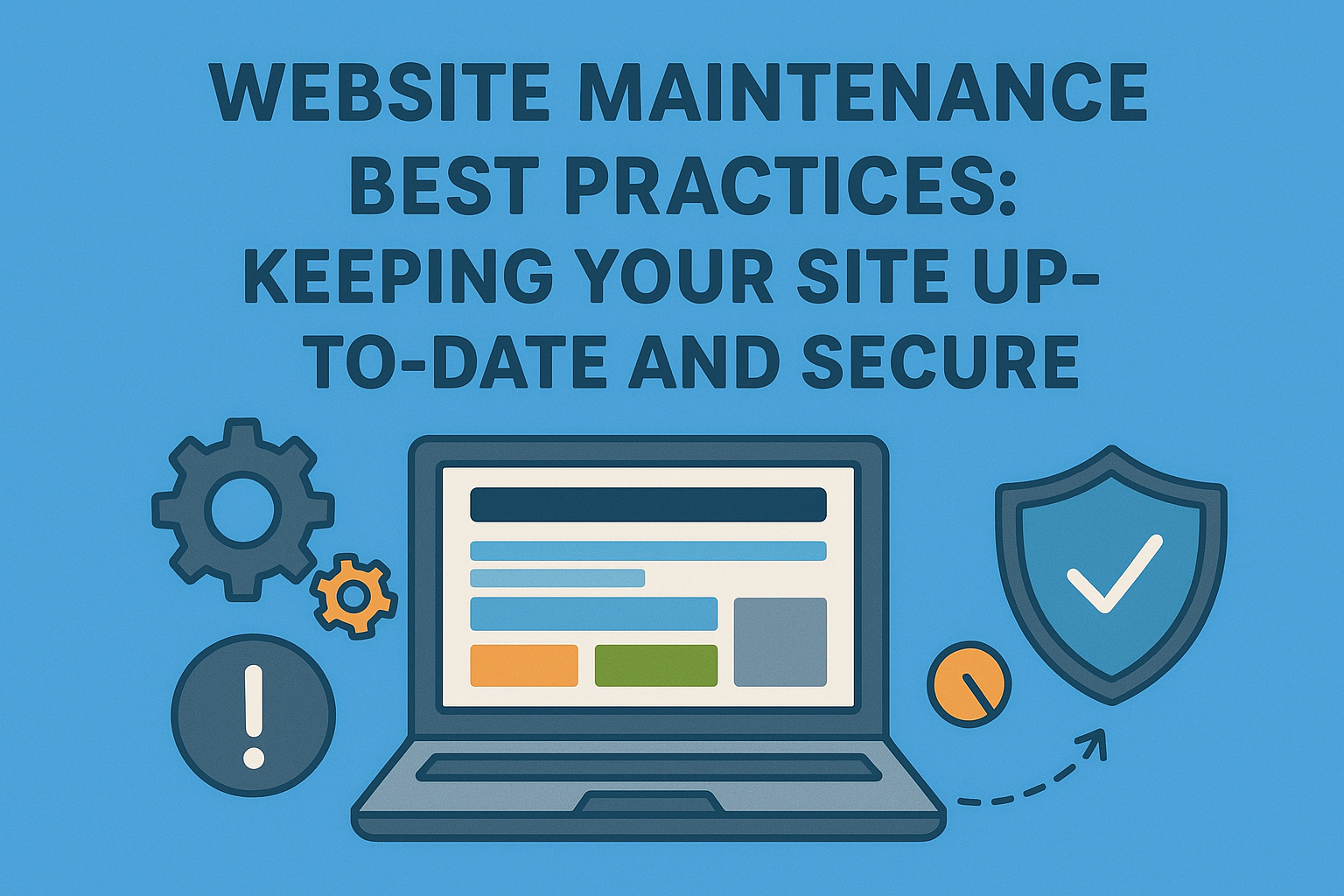
In the rapidly evolving digital landscape, maintaining a website is not just about keeping it functional; it’s about ensuring it remains secure, relevant, and optimized for the best user experience. Proper website maintenance involves regular updates, security checks, content management, and performance optimization. Here, we will explore the best practices for maintaining your website to keep it up-to-date and secure.
Regular Software Updates
Core Software Updates
Regularly updating your website’s core software, whether it’s a content management system (CMS) like WordPress, Joomla, or Drupal, is crucial. These updates often include security patches, bug fixes, and new features that enhance performance and functionality.
Plugin and Theme Updates
Plugins and themes are essential components of your website that add functionality and design elements. Keeping them updated ensures compatibility with the latest version of your CMS and prevents security vulnerabilities. Outdated plugins and themes can be exploited by hackers to gain unauthorized access to your site.
Automated Updates
Consider enabling automated updates for your CMS, plugins, and themes. This ensures that critical updates are applied promptly without manual intervention, reducing the risk of missing important patches.
Security Measures
Regular Security Audits
Conducting regular security audits helps identify vulnerabilities in your website’s infrastructure. Use tools like security plugins, vulnerability scanners, and manual reviews to check for potential threats. Address any issues promptly to prevent security breaches.
Strong Password Policies
Implement strong password policies for all user accounts, especially those with administrative access. Encourage the use of complex passwords and enable two-factor authentication (2FA) for an added layer of security.
SSL Certificates
Securing your website with an SSL certificate encrypts the data transmitted between your server and users, protecting sensitive information from being intercepted. An SSL certificate also boosts your site’s SEO ranking and builds trust with your visitors.
Web Application Firewall (WAF)
A WAF monitors and filters incoming traffic to your website, blocking malicious activity such as SQL injection, cross-site scripting (XSS), and other common attacks. Implementing a WAF can significantly enhance your site’s security.
Backup Strategies
Regular Backups
Regular backups are essential to safeguard your website’s data. Schedule automatic backups to occur daily or weekly, depending on the frequency of updates and changes to your site. Ensure backups are stored securely in an offsite location.
Test Restorations
Periodically test your backup restoration process to ensure that you can quickly and effectively restore your site in case of data loss or a security breach. This helps identify any issues with the backup files or restoration procedures.
Performance Optimization
Speed Optimization
Website speed is a critical factor in user experience and SEO. Optimize your site’s performance by:
Minifying CSS, JavaScript, and HTML files to reduce their size and improve load times.
Leveraging browser caching to store static files locally, reducing server load and speeding up page load times.
Optimizing images by compressing them without compromising quality.
Using Content Delivery Networks (CDNs) to distribute content globally, ensuring faster load times for users regardless of their location.
Regular Performance Audits
Conduct regular performance audits using tools like Google PageSpeed Insights, GTmetrix, or Pingdom. These tools provide insights into your site’s speed and performance, along with actionable recommendations for improvement.
Database Optimization
Regularly clean up your website’s database by removing unnecessary data such as spam comments, post revisions, and expired transients. This helps maintain optimal database performance and reduces server load.
Content Management
Regular Content Updates
Keeping your content fresh and relevant is essential for maintaining user engagement and improving SEO. Regularly update your blog posts, product descriptions, and other content to reflect current trends and information.
Content Review and Optimization
Periodically review your existing content for accuracy, relevance, and SEO optimization. Update outdated information, improve readability, and optimize for relevant keywords to enhance search engine rankings.
Broken Links
Regularly check for and fix broken links on your website. Broken links negatively impact user experience and SEO. Use tools like Google Search Console or third-party link checkers to identify and address broken links promptly.
User Experience and Accessibility
Mobile Responsiveness
Ensure that your website is fully responsive and provides a seamless experience across all devices, including desktops, tablets, and smartphones. Test your site on various devices and screen sizes to ensure optimal performance and usability.
Accessibility Compliance
Make your website accessible to users with disabilities by adhering to Web Content Accessibility Guidelines (WCAG). Implement features like alt text for images, keyboard navigation, and screen reader compatibility to enhance accessibility.
User Testing
Regularly conduct user testing to gather feedback on your site’s usability and performance. Use this feedback to make improvements that enhance the overall user experience.
Analytics and Monitoring
Website Analytics
Monitor your website’s performance and user behavior using analytics tools like Google Analytics. Track key metrics such as page views, bounce rates, and conversion rates to gain insights into how users interact with your site.
Error Monitoring
Implement error monitoring tools to detect and alert you to any issues on your website. Tools like Sentry or New Relic can help identify and address errors in real-time, minimizing downtime and improving user experience.
Uptime Monitoring
Use uptime monitoring tools to ensure your website remains accessible and functional. These tools alert you to any downtime, allowing you to address issues promptly and minimize disruption to your users.
Legal and Compliance
Privacy Policies and Terms of Service
Ensure that your website’s privacy policies and terms of service are up-to-date and compliant with relevant regulations, such as GDPR or CCPA. Regularly review and update these documents to reflect changes in data protection laws and practices.
Cookie Consent
Implement a cookie consent banner to inform users about the use of cookies on your site and obtain their consent. This is a legal requirement in many jurisdictions and helps build trust with your visitors.
Conclusion
Website maintenance is a continuous process that involves keeping your site secure, up-to-date, and optimized for the best user experience. By following these best practices, you can ensure that your website remains a valuable asset for your business, providing a safe, engaging, and efficient platform for your users.
Regular software updates, robust security measures, effective backup strategies, and performance optimization are crucial for maintaining a secure and functional website. Additionally, content management, user experience improvements, analytics monitoring, and legal compliance play vital roles in ensuring your site remains relevant and trustworthy.
Investing time and resources in proper website maintenance not only protects your site from potential threats but also enhances its performance and user engagement, ultimately contributing to your business’s success in the digital landscape. By prioritizing website maintenance, you can build a resilient, high-performing, and user-friendly website that stands the test of time.